Make the spoken word readable
Transcripts are created automatically with every release. You read the conversation as text, correct it, and find the passages you want to reuse.
Transcripts & Show Notes
The open operating system for podcasts.
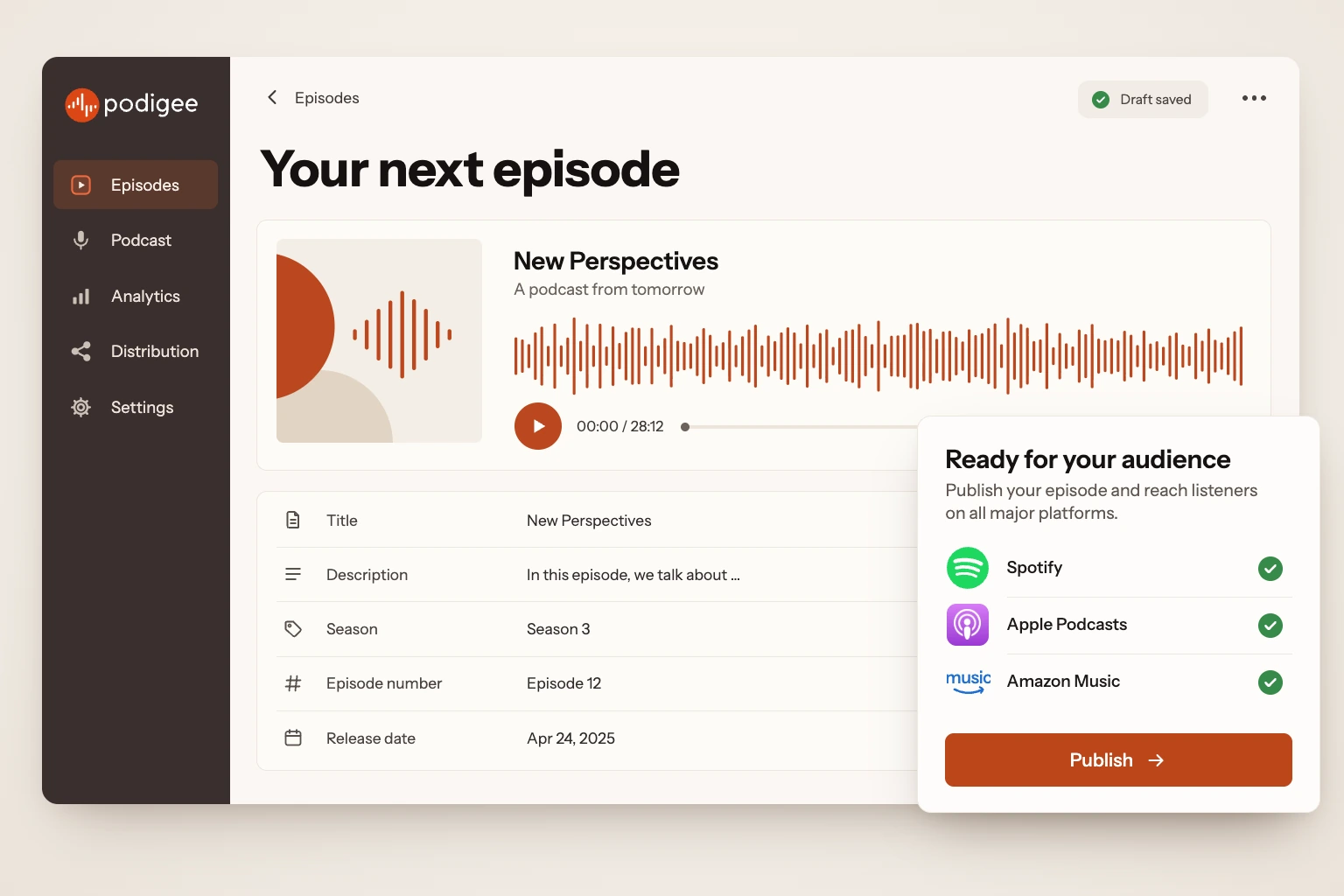
With Podigee, you record your podcast, publish it on Spotify, Apple Podcasts, YouTube, and other platforms, and see how it lands. You turn your episodes into text and clips, and open interfaces connect Podigee with your tools.
Trusted by








Prepare your episode in one place. Decide when it goes live, and connect your podcast with the platforms where your audience listens.
Podigee stores your audio or video file. Your podcast gets a feed: the address podcast apps use to fetch new episodes.
Podcast Hosting & DistributionAdd a title and description, have the transcript, show notes, and chapter marks prepared, and schedule the release date.
Transcripts & Show NotesYour episode goes out on the connected platforms. With the Podigee Player, people can also listen to it on your website.
Podcast Website & Player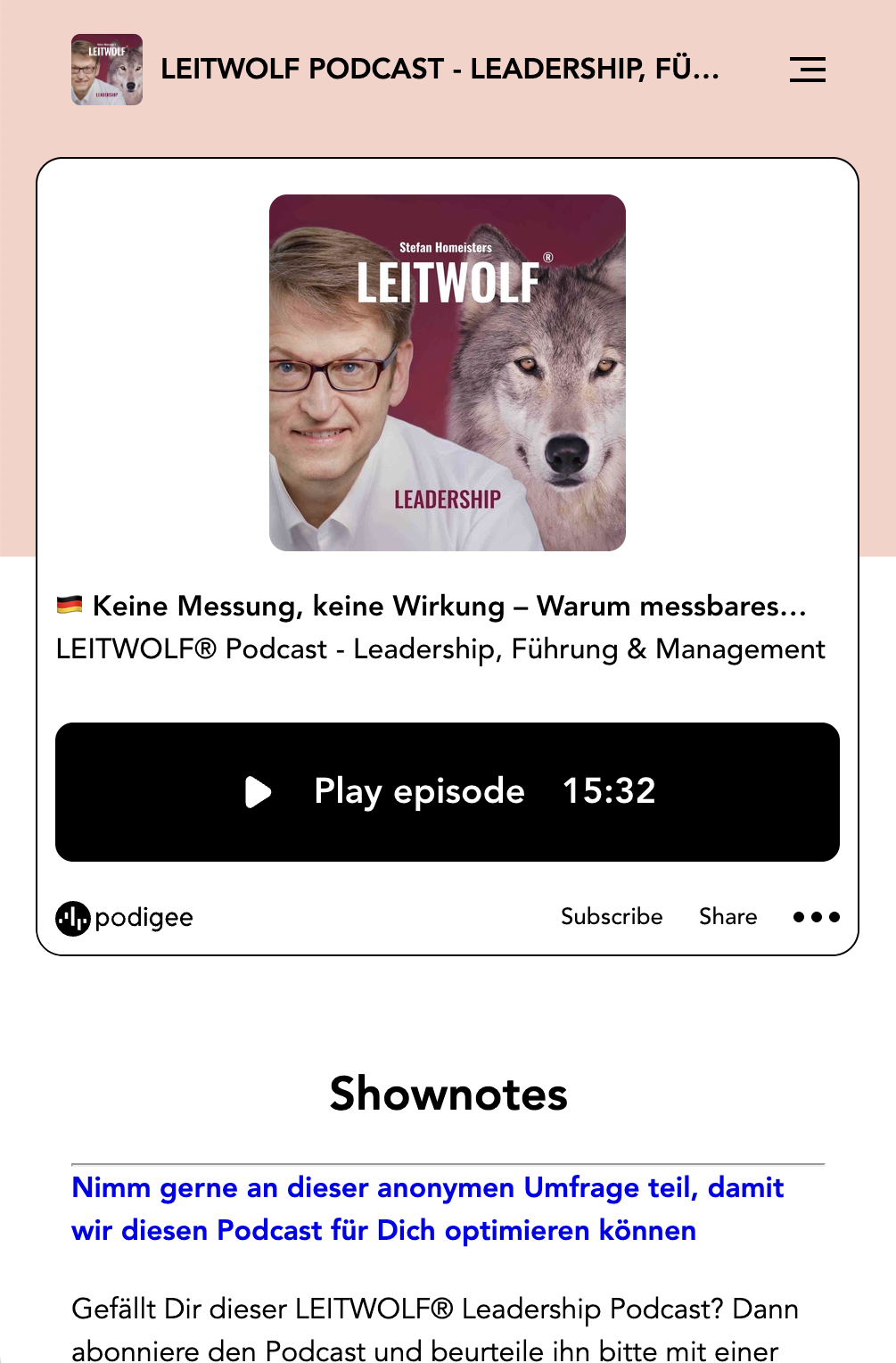

 Apple Podcasts
One feed for 15 platforms, from Spotify and Apple Podcasts to YouTube.
Upload your episode as a video, and Podigee takes it to YouTube, Spotify, and Apple Podcasts. Your episodes are audio only? Then Podigee automatically turns them into a YouTube video with your cover art.
Discover video podcastsYour episode is the starting point. Use it to prepare content for your blog, your newsletter, or social media.
Transcripts are created automatically with every release. You read the conversation as text, correct it, and find the passages you want to reuse.
Transcripts & Show NotesPodigee turns the transcript of your episode into drafts, for example a blog article, a LinkedIn post, or a newsletter section. You review and edit them before you use them.
Text ComposerClipper suggests up to five moments from your episode, and Quote Finder finds passages worth quoting. You adjust the clip and download it as a video.
Clipper & Quote FinderWith Ask Podie, you search everything that was said in your episodes and ask questions about your podcast. Every answer names its sources.
Ask PodieSee how often your episodes are downloaded and which apps your audience listens on. Take what you learn into planning your next episode.
Data processing agreements, team permissions, and open interfaces are part of the platform. That makes sign-off by your IT easier and connects Podigee with your tools.
Every paid plan comes with a data processing agreement. You create it right in your account, with your company details, signed electronically.
Decide who sees which podcasts, edits episodes, publishes, or opens the analytics. Admins manage members and permissions.
For Enterprise plans, our sales team sends you the IT security sheet and a sample data processing agreement in advance.
With the oEmbed interface, you embed your episodes on other websites with the Podigee Player. It sets no cookies.
The REST API connects Podigee with your systems: for episodes and uploads, the listeners of private podcasts, and statistics.
The features at a glance, sorted by task.
12 features at a glance
Your episode on its way to your audience.
Store your episodes with Podigee and publish them through one feed on 15 platforms, from Spotify to YouTube.
Record interviews together in the browser and carry the recording over into publishing.
Publish your episodes as video on YouTube, Spotify, and Apple Podcasts. Audio-only episodes automatically become a YouTube video.
A place to listen: your podcast site with cover art, player, and the episode details.
What a conversation can turn into.
Transcripts are created automatically with every release. Show notes and chapter marks for your episode come with them.
Create drafts for your blog, LinkedIn, or newsletter. Review and edit them in the Text Composer.
Podigee suggests the strongest moments of your episode for clips and quotes. You adjust them and decide what goes out.
With Ask Podie, you search everything that was said in your episodes. Every answer names its sources.
Insights for your next episodes.
Compare episodes, analyze downloads, and see which platforms your audience listens on.
Protected content, advertising, and connections.
Internal communication as a podcast: personal access for each person, blocked from public directories.
Earn money with advertising through the Podigee Ad Marketplace, or market your show with your own sponsors.
Plan episodes, query your numbers, and check your distribution in a chat with Claude, Codex, or another MCP-compatible assistant.
Bring your podcast to Podigee in a few clicks. Your RSS feed, episodes, audio files and metadata come with it. Your listeners stay with you.
How the move worksPodigee is the platform for your podcast: you record it, publish it on Spotify, Apple Podcasts, YouTube, and other platforms, turn your episodes into text and clips, and see in the analytics how they land. Open interfaces connect Podigee with your tools.
Yes. With the LAUNCH plan, you start free, for good. Paid plans start with STARTER at 19 € per month, plus VAT where applicable. The pricing page shows which features come with which plan.
Podigee takes your podcast to 15 platforms, including Spotify, Apple Podcasts, Amazon Music, Deezer, and YouTube. Podigee submits to some of them directly. For others, you complete the submission on the platform. Automatic submission is included in all paid plans.
Yes. You bring your podcast to Podigee through its RSS feed, and your episodes, audio files, and metadata come along. Your listeners stay with you. Import is included in all paid plans.
Yes. You invite members to your organization and decide who sees which podcasts, edits episodes, publishes, or opens the analytics. Working with several people starts with the SCALE plan.
Yes, with the Podigee MCP Server. With it, you plan and publish episodes, query your numbers, and check your distribution in a conversation with Claude, Codex, or another MCP-compatible assistant. Before anything changes, you see a preview. The MCP Server is in early access.
Start for free and switch to a bigger plan as your podcast grows.