
Monetize Your Podcast
Advertising that fits your show.
Get matched with advertising partners through the Podigee Ad Marketplace, bring your own sponsors, or promote your own offer. You decide where ads have a place in your episodes.
- Ad Marketplace: Podigee brings the advertisers
- Your own sponsors and messages, in older episodes too
- For each episode, you decide whether ads run and which ones
Trusted by 11,000+ customers





Three ways to monetize your podcast.
Get matched with advertising partners, sell ads yourself, or use your reach for your own offer. You can combine the ways, episode by episode.
Get matched with advertisers
Ad Marketplace
You make your podcast, Podigee brings the advertisers. The spots run in the places you approve, and you get a share of the revenue.
From 10,000 downloads in the previous month, you can submit your show. Every show is reviewed before it starts.
Sell ads yourself
Your own sponsors
Already have advertising partners? With dynamic ad insertion (DAI, from SCALE), you insert their spots into your episodes yourself. Prices and contacts stay with you.
No minimum reach. Your own ads are available from the SCALE plan.
Promote your own offer
Your own messages
Webinar, event, job opening, or new product: your announcements run in new and older episodes without you recording anything again.
This also runs through dynamic ad insertion, for example as cross-promotion for your other shows.
Your first booking with the Ad Marketplace.
You lay the groundwork, and the Marketplace takes care of the matching. There is no usage fee for it.
Submit your show
Once your podcast has reached 10,000 downloads in the previous month, the submission appears in your account. You choose up to five topics and show who listens to you.
Set your ad slots
The Marketplace places pre-rolls and post-rolls automatically. For mid-rolls, you set ad markers at suitable points, ideally in your latest episodes first.
Your ads go live
After the review, the Marketplace matches you with suitable campaigns. How much gets booked depends on your show and on demand. Payouts are settled monthly by credit note.
Your own sponsors, several shows or a whole network? Let’s talk about monetizing your podcast.
Your own sponsors.Your own messages.
With dynamic ad insertion (DAI), you insert your sponsors’ spots, cross-promotions, or announcements about your own offer into your episodes. Podigee inserts the ads into every episode you select, older ones included.
Before, during, or after the episode
Pre-roll, mid-roll, and post-roll: you decide where a spot runs. You place mid-rolls to the millisecond, for example in a short pause in the conversation.
In older episodes, too
You assign an ad slot to as many episodes as you like. That way, your message also reaches everyone who listens to older episodes.
Campaigns run to plan
You set the start and end by date or by number of impressions. When one ad has finished, the next one takes over automatically.
Change spots easily
You upload a new spot once, and Podigee inserts it into the assigned episodes. Podigee matches the volume and format.
Your show staysyour show.
At Podigee, ads only run once you switch them on. After that, you decide on placement, topics, and every single episode.
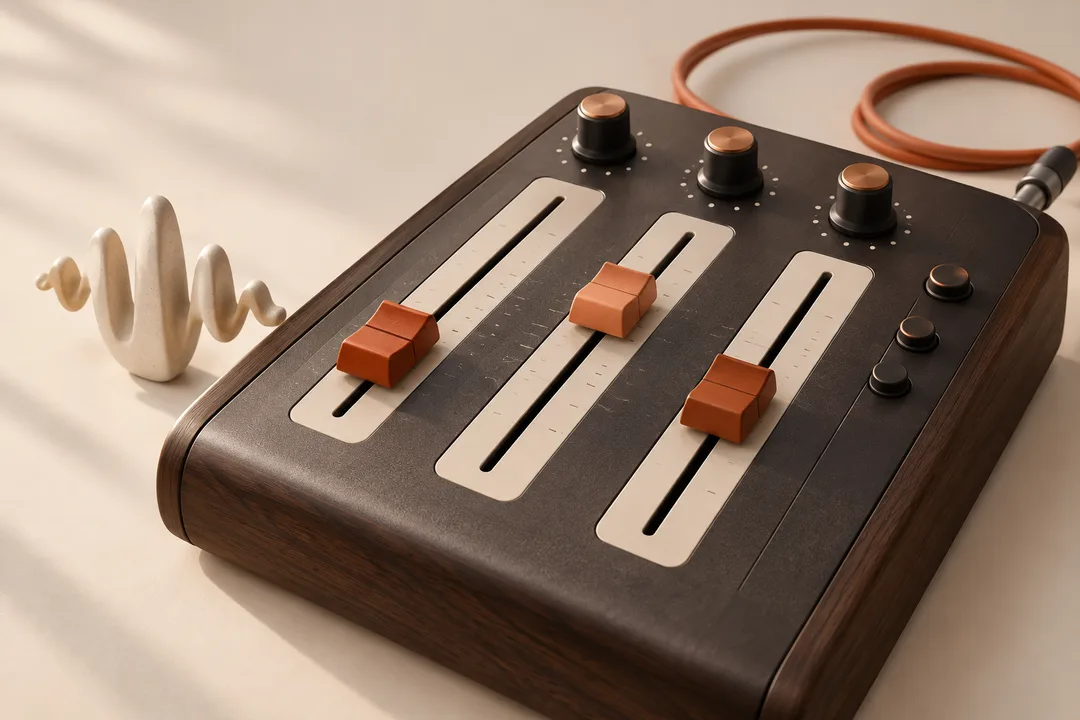
In the right place
With ad markers, you decide where in the episode ads may run. Mid-rolls are the most valuable slots, so they are worth a close look.
In line with your values
You exclude topics that don’t fit your show from the Marketplace.
Each episode on its own
For each episode, you choose the Ad Marketplace, your own ads, or no ads. That keeps sensitive episodes and episodes with baked-in ads free.
Try it with your podcast.
Strong arguments for your partners.
For each of your own ads, you see how many impressions it had, over time and per episode, and download the numbers as a CSV, for example for your report to your sponsor. In the Ad Marketplace, you see an estimate of your earnings every week. The analytics show you how many people your show reaches.
Want to move your existing podcast?
Bring your podcast to Podigee in a few clicks. Your RSS feed, episodes, audio files and metadata come with it. Your listeners stay with you.
How the move worksQuestions about monetization
How can I make money with my podcast?
With Podigee, you have three ways. In the Podigee Ad Marketplace, Podigee brings advertisers to your show, and you get a share of the revenue. You insert your own sponsors into your episodes yourself with dynamic ad insertion (DAI, from the SCALE plan), at prices you agree with them. With your own messages, you promote products, events, or job openings in new and older episodes. You can combine the ways episode by episode.
What does podcast advertising cost?
That depends on who sells the ads. In the Ad Marketplace, you pay no usage fee: advertisers book the slots at a price per thousand impressions (CPM), and you get a share of the revenue. What you receive depends on reach, topic, and demand.
With your own sponsors, you set the price yourself. You find the terms for dynamic ad insertion in your account.
When can I join the Ad Marketplace?
As soon as your podcast has reached 10,000 complete downloads on Podigee in a calendar month, the submission appears in your account. You choose up to five topics and show your audience with two charts from Spotify for Creators. After that, your show is reviewed. You can bring in your own sponsors at any time, regardless of this.
Can I combine my own sponsors with the Ad Marketplace?
Yes, episode by episode. For each episode, you choose whether the Ad Marketplace, your own dynamic ads, or no ads run. That way, you take an episode with an exclusive sponsor out of the Marketplace, and the Marketplace keeps selling ads in your other episodes.
Can I keep individual episodes ad-free?
Yes. At Podigee, ads only run once you switch them on. You set individual episodes to no ads, for example for sensitive topics or when the ad is already baked into the recording.
What numbers do I see?
In your account, you see how many impressions each ad had, over time and per episode, and download the numbers as a CSV. An impression counts when the part of the episode with the spot has been fully downloaded or streamed.
In the Ad Marketplace, you see an estimate of your earnings every week. Every month, the credit note arrives with a report as a CSV. The analytics show you your show’s reach and downloads.
Do the ads run in older episodes, too?
Yes. Podigee inserts the ads into the audio files of your episodes, new and older ones. Anyone who downloads an episode after that hears the current ads. They don’t automatically run in video episodes.
Bring your show to Podigee.
Start your podcast and find out which way of monetizing suits you.