
Podigee address
yourname.podigee.io
Your podcast site gets this address as soon as you create your show.

Your show. Your place.
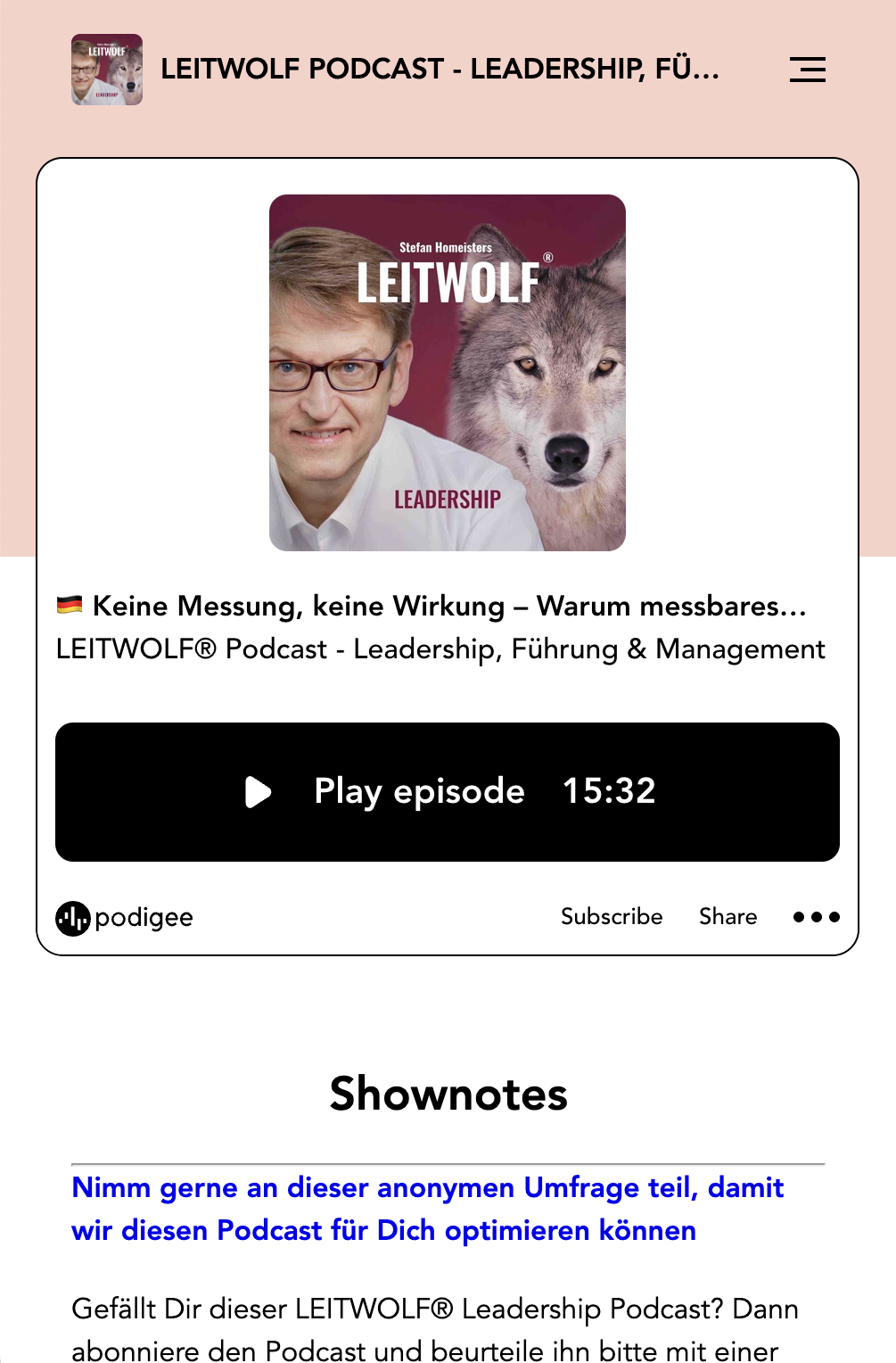
A site of its own for your show. A player for your website. So your audience can listen right where your content is.
Trusted by 11,000+ customers









Your own podcast site or your existing website: decide where your audience hears you.
Podigee creates a site for your show. Cover art, player, episodes, and show notes sit in one place that your audience can open directly.

Embed the Podigee Player in your existing website. That way, visitors can listen right where your content is.
Your podcast site is reachable right away. If you want, your own domain connects it with your brand.
Your player takes your audience through the episode.
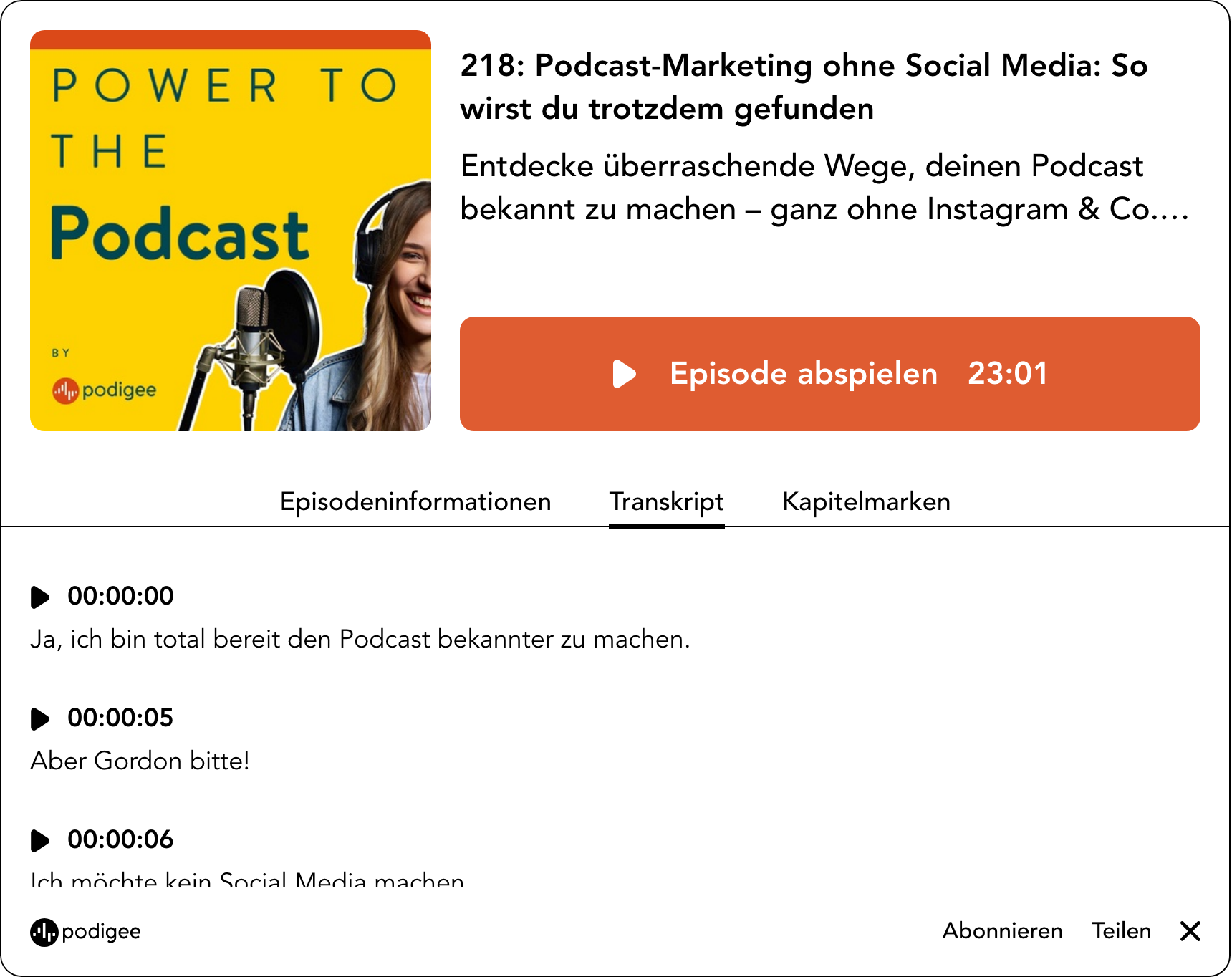
Your audience can read along in the player as soon as a transcript exists.
More about transcriptsWith chapter marks, your audience jumps straight to the right part of an episode.
With the subscribe bar and the buttons for your platforms, your audience subscribes to the show in their app. They share episodes right from the player.
You decide which sections the player shows, separately for your podcast site and for embedded players on other websites.
Your podcast site fits into your brand presence. You set up address, design, and measurement to your requirements, for several shows too.
Your podcast site runs at an address of your brand, for example podcast.your-company.com.
Design the site with your own templates in HTML and CSS. Start with a copy of a Podigee theme or import your theme from a public Git repository.
Enter the code of your web analytics service. Podigee adds it to the pages of your podcast website.
Group several shows into a network. The network website shows all podcasts with their episodes, and a shared feed bundles the episodes. Each show keeps its own feed and its website.
Systems with oEmbed support embed an episode directly through its address, without any code. The oEmbed interface sets no cookies.
Create your podcast. Podigee sets up the matching podcast site.
Use the Podigee address or connect your own domain.
Embed the show or an episode on an existing website.
The guide explains every player setting step by step.
Read the player guideBring your podcast to Podigee in a few clicks. Your RSS feed, episodes, audio files and metadata come with it. Your listeners stay with you.
How the move worksYes. Podigee creates a site with cover art, player, episodes, and show notes at yourname.podigee.io.
Yes. You connect your own domain to your podcast site. Your RSS feed and embedded players then move to the new address. After that, enter the new feed URL in the directories, for example in Apple Podcasts.
Yes. You can embed the whole show, a single episode, a playlist, or a subscribe button. Systems with oEmbed embed an episode directly through its address.
Yes, as soon as the episode has a transcript.
Yes. Your audience can comment on the episode pages. You moderate the comments yourself and can also turn them off for your site.