How Long Does a Podcast Episode Take to Go Live on Spotify, Apple Podcasts, and YouTube?
A new episode usually appears on Spotify and Apple Podcasts within a few hours, and you should allow 24. What each platform says about timing, when to release, when to check, and what to tell the client who is waiting for the links.
Reading progress
In this article
In this article
A new episode of an already listed podcast usually appears on Spotify and Apple Podcasts within a few hours, though you should allow 24. As of November 2026, that's Spotify's general guidance for podcast platforms, and Apple recommends troubleshooting once 24 hours have passed. YouTube names no fixed time; an uploaded video can go public once YouTube has processed the standard-definition version. A brand-new show takes longer: Amazon Music asks for up to a week.
Those numbers matter most at 9:04 on a Tuesday, when the client writes "is it up yet?" and you have the episode open on Spotify while last week's episode is still sitting at the top of Apple Podcasts.
What is the difference between published and live?
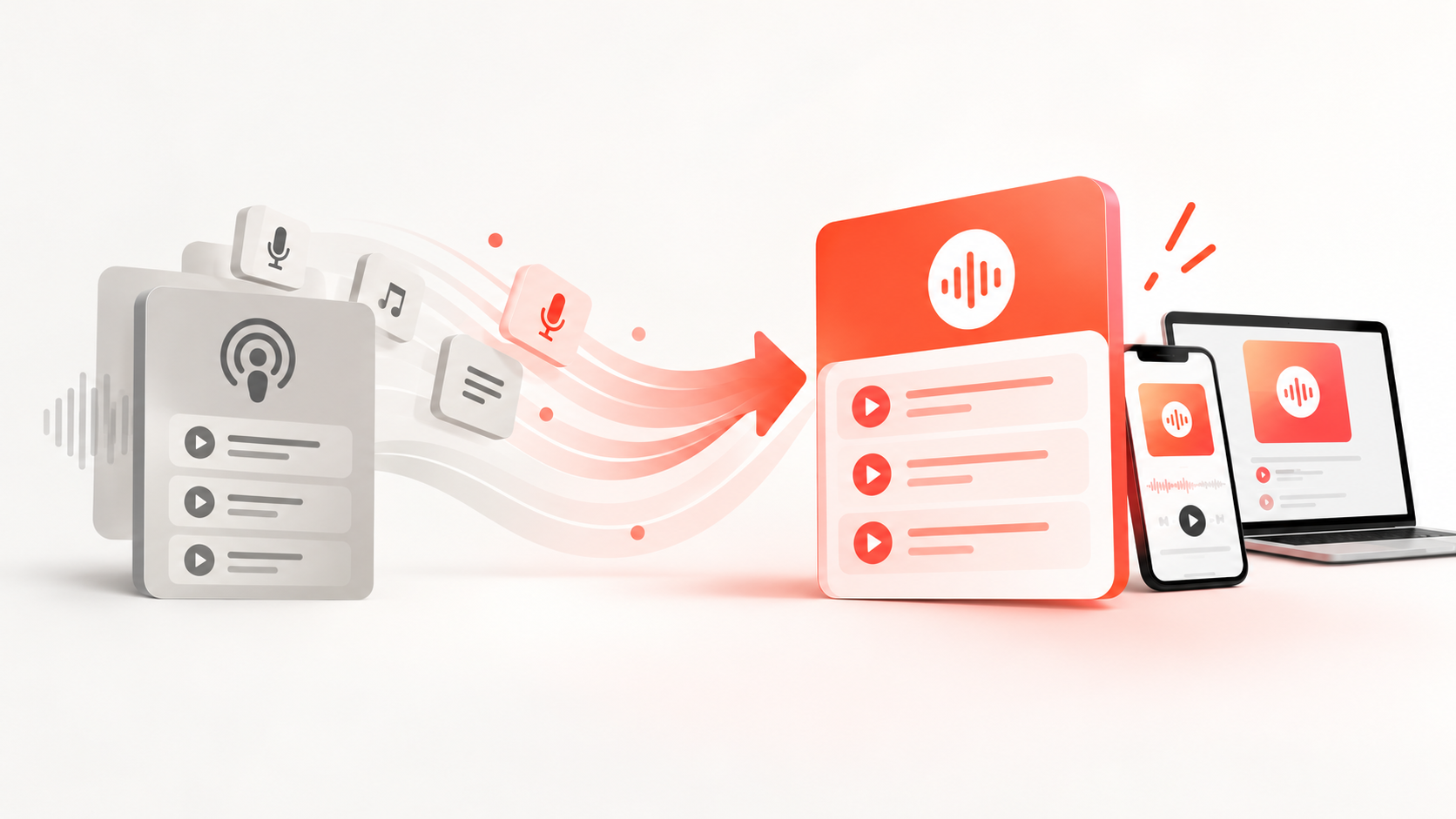
A podcast episode is published when it's in the show's RSS feed, and it's live on a platform when a listener there can open it and press play. An RSS feed is the public file that lists a show's episodes, and podcast apps read it to find new ones.
Every app reads feeds on its own clock. Apple says it checks them "frequently", while Deezer checks "every day". When you publish with Podigee, it updates your feed and notifies the apps and directories that support instant updates.
Video follows a different path than an audio RSS feed. A direct YouTube video uploads to your channel and waits on processing there, while video for Spotify and Apple Podcasts can go straight from a hosting provider that supports it. Because every platform runs its own queue, one episode can be playable on Spotify while another app is still catching up.
How long does a new episode take on each platform?
Allow 24 hours on Spotify, Apple Podcasts, Amazon Music, and Deezer; YouTube depends on processing. Their help pages, read on November 29, 2026, say this:
Platform | New episode | New show |
|---|---|---|
Spotify | Usually a few hours, allow 24 (general guidance; no figure for outside feeds) | No time published for outside feeds |
Apple Podcasts | Validation and review, no time published | |
Amazon Music | ||
Deezer | ||
YouTube, video upload | Public after standard-definition processing; 60 minutes of 4K at 30 fps: up to 4 hours for full quality | No time published |
YouTube, RSS feed (static-image video) |
Apple gives two thresholds, "a few hours" and 24 hours. I read them as "start looking" and "start worrying."
Why does a new show take longer than a new episode?
A new show takes longer because most platforms have to verify and register the feed once before your first episode can appear. Apple requires technical validation and a review without naming a turnaround time (checked November 2026). Spotify's help names no time for a new show from an outside feed; its general guidance is that most platforms list a show within a few hours while some review it manually. On YouTube, a newly connected RSS feed may take a few days to upload, and then somebody has to click Publish, so decide who.
I would submit a new show with a trailer two weeks before launch. That covers Amazon Music's wait of up to one week and leaves a week to fix a rejected cover image or a feed error.
Should I schedule an episode the night before?
Yes, upload and schedule it the night before so you aren't clicking Publish at dawn, but don't expect scheduling alone to give podcast apps a head start. A scheduled episode normally stays out of the RSS feed until its release time (Podigee's feed works that way), so set that release time a few hours ahead of your announcement.
For an ordinary weekly episode, I'd release at 5 a.m. and send the links at 9. When a sponsor's contract names a time and an early appearance is fine, release the episode 24 hours ahead. When an episode is under embargo, release it at the embargo hour, agree on the launch day ("Tuesday"), and avoid promising an exact live time across every app.
Video needs more lead time. YouTube keeps a scheduled video private until the date you pick, so upload the day before if you can. If your publishing tool sends the video only at release time, count upload and processing from that minute.
How do I know that an episode is live everywhere?
An episode is live everywhere when you've opened it on each platform you promised and pressed play, so plan one check per platform. Do it in a private browser window. Signed in, you can see your own private YouTube video.
Say the episode was released at 5 a.m. At 5:15, confirm that your publishing platform shows the episode as published, then open your RSS feed URL in a browser and search the page for the title. It won't look pretty, but the title is all you're after. If the title isn't in that raw XML feed yet, the apps that read it have nothing to pick up. At 8, open the show page on Spotify, Apple Podcasts, Amazon Music, and Deezer, plus the YouTube watch page, and copy each link. Don't rely on search: Apple noted in August 2022 that new episodes may take up to 24 hours to appear there.
At noon, check the dashboard of any platform where the episode is still missing: Spotify for Creators, Apple Podcasts Connect, Amazon Music for Podcasters, or YouTube Studio. Apple Podcasts Connect shows when Apple last refreshed the feed and offers a Refresh Feed button. At 5 the next morning, write to your publishing platform's support or to the app's. Until then, I'd leave the episode alone. Republishing in a panic at 10 adds a second change for every app to chase.
Know where your episode is live before anyone asks.
See each episode's status on Spotify, Apple Podcasts, YouTube, Amazon Music, and Deezer. "Live" means there's proof, such as a public listing or the platform's own confirmation.
Why is my new episode not showing on Apple Podcasts?
Within 24 hours of release, Apple Podcasts may still be catching up with the show's feed. After 24 hours, Apple's troubleshooting checklist (checked November 2026) points to four culprits: a warning or error on the show's status in Apple Podcasts Connect, an itunes:block tag telling Apple to hide the episode, a feed that fails a manual test, or a duplicate GUID or enclosure tag.
A GUID is the unique identifier that tells apps one episode from another, and the enclosure is the link to the audio file. Apple ignores duplicates, so an episode that reuses last week's GUID or file address won't appear. Don't change old episodes' GUIDs either, especially when you switch podcast hosts: Apple warns that doing so can produce duplicates.
To run the manual test, open the Podcasts app on a Mac, choose File, then "Add a Show by URL", and paste the feed address. If the episode plays there, the feed itself works. If it's still missing on the public page and you've ruled out the other three culprits, the wait is on Apple's side.
How does Podigee show where an episode is live?
Podigee shows a status for each episode on Spotify, Apple Podcasts, YouTube, Amazon Music, and Deezer, such as Live, On its way, Taking longer, Needs you, or Not confirmed. "Live" rests on proof: a public listing, the platform's own confirmation, or a first play. Checks run automatically at 5 minutes, 15 minutes, 1 hour, 6 hours, 24 hours, and 72 hours after release, and when a client calls in between, the "Where is my episode?" card has a Check again button.
Podigee is the publishing platform for audio and video podcasts. You upload the approved episode once: your audio goes to every podcast app, and on the STARTER plan and up, your video goes to YouTube, Spotify, and Apple Podcasts once those accounts are connected. If YouTube refuses a video, Podigee can email the show's owner the reason, and if an episode fails to publish at all, an email always goes out.
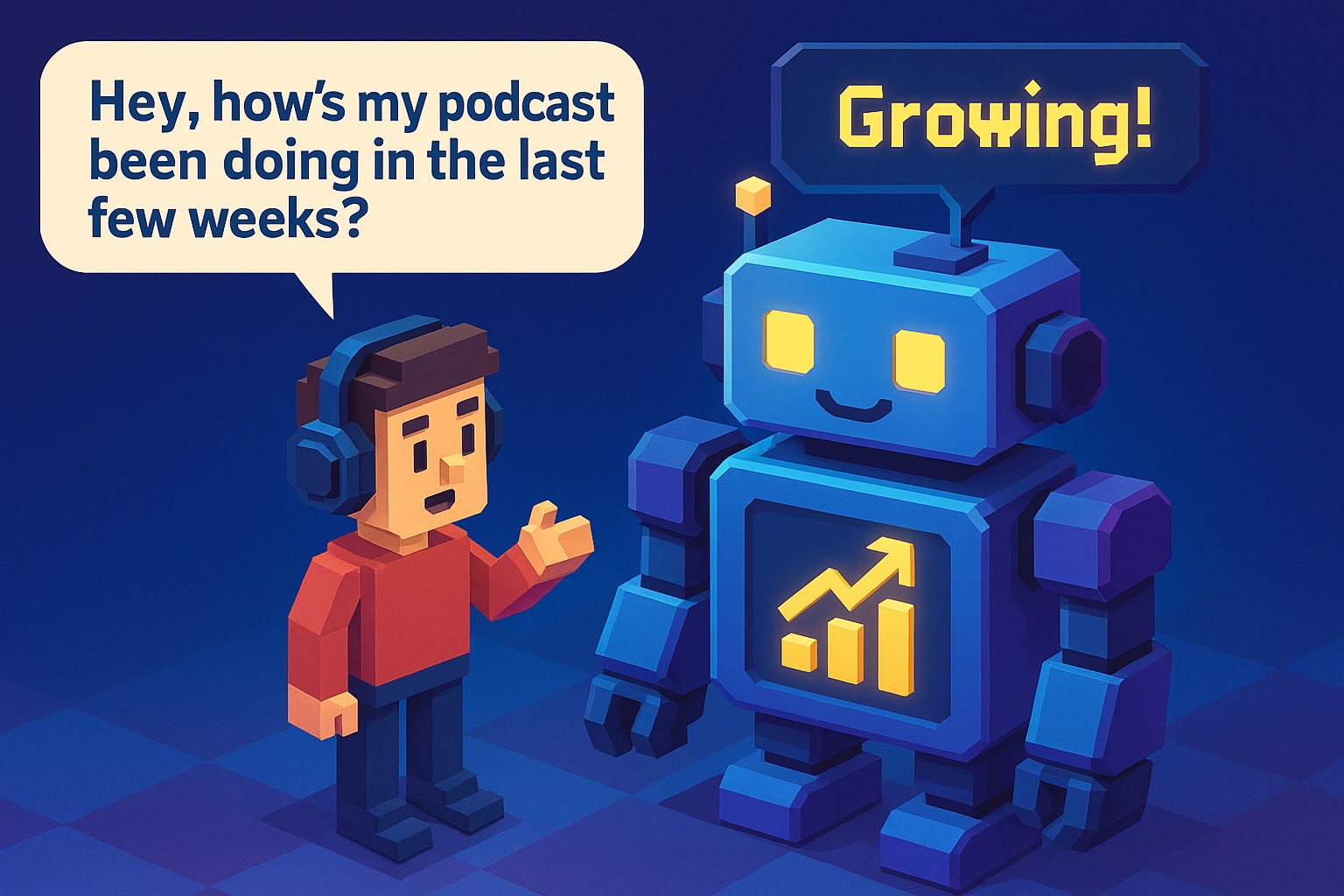
If you already work in Claude or ChatGPT, you can ask there too. MCP (Model Context Protocol) is the open standard that connects AI assistants to other software. Through the Podigee MCP server, they can check where a show is live and whether an episode reached the platforms Podigee delivers to directly, such as YouTube and Spotify Video.
Podigee is for people who make shows other people count on.
What do you tell a client who asks "is it up yet?"
Tell the client which platforms are live, with links, which one is pending, and when you'll look again: "It was released at 5 this morning. Spotify, YouTube, and Amazon Music are live, links below. Apple hasn't listed it yet; they can take up to a day, and I'm checking again at noon."
A client can forward that to their boss. "It should be there" sends them off to check for themselves, usually in the app that's late.
For your next release, write three things into the calendar entry: the release time, the announcement time at least four hours later, and the name of the person who opens every episode page in between.
Mateusz "Mati" Sójka is the founder and CEO of Podigee, the publishing platform for audio and video podcasts.
Make the show. Podigee takes it everywhere.
Upload the approved episode once, and it publishes automatically to the Spotify, Apple Podcasts, and YouTube accounts you connect (STARTER and up). New accounts start on LAUNCH, our free plan.
Frequently asked questions
- Can I make Apple Podcasts pick up a new episode faster?
You can request it. In Apple Podcasts Connect, select the show and then Refresh Feed. Apple suggests that step (checked November 2026) when a change hasn't appeared after a few hours, once you've confirmed that the episode is published through your hosting provider and that the show's status is Published.
- How long does a new podcast episode take to appear on Amazon Music?
Amazon Music's podcaster FAQ says a new episode can take up to 24 hours to become available on Amazon Music and Audible (checked November 2026). Until then its status is Pending, and Amazon says it emails you when the episode is active. For a show you've just submitted, allow up to one week.
- If I replace the audio after release, do all platforms update?
Feed-based apps can pick up a replaced audio file, but YouTube won't update it automatically. As of November 2026, Spotify says file updates can take up to 24 hours and recommends saving the new audio under a slightly different URL so apps detect the change. On YouTube, an RSS-imported episode has to be re-uploaded, which creates a new video and sets the old one to private.
- Why did Deezer stop showing new episodes after our season break?
Deezer may have stopped reading your feed. Its creator help page (checked November 2026) says Deezer stops checking a podcast's RSS feed when the show hasn't released an episode for 180 days. If you publish through a hosting provider and can't see your podcast, Deezer sends you to that provider.
- Why does my podcast video look blurry on YouTube right after release?
YouTube processes a low-quality version first, so the video can be streamed soon after the upload. Higher resolutions follow, and YouTube Help says they may be unavailable for several hours. Uploading the day before as a private video gives the higher resolutions time to finish.