How to Record a Podcast Remotely: Studio-Quality Recordings With Guests
To record a podcast remotely in studio quality, have every person record locally on their own device. Here's how a double-ender works, which tools help, and how to prepare your guests.
)
Reading progress
In this article
In this article
To record a podcast remotely in studio quality, have every person record locally on their own device while you talk over the internet. This setup is called a double-ender: the connection only carries the conversation, so dropouts never end up in your episode. Here's how it works, which tools help, and how to prepare your guests.
Key Facts: How to Record a Podcast Remotely
Local, not over the line: For the best sound, every person records on their own device (double-ender). The internet connection is only there for the conversation.
Separate tracks: One track per voice makes editing easier because you can fix volume, background noise, and slip-ups for each person individually.
Browser tools are the standard: With tools like the Podigee Recording Studio, guests only need an invitation link.
Video conferencing tools are a stopgap: Zoom, Google Meet, and similar apps are built for meetings, not for remote podcast recording in the best possible quality.
Preparation is everything: Headphones, a quiet room, a stable connection, and a short guest briefing prevent most problems.
Remote Podcast Recording: Two Approaches at a Glance
If you want to record a podcast remotely or record a podcast online, there are two basic approaches. The main difference is where the recording happens.
Method | How it works | Quality | Effort |
|---|---|---|---|
Recording the connection | A tool records the conversation the way it arrives over the internet | Depends on the connection; dropouts end up in the recording | Low |
Local recording (double-ender) | Every person records on their own device, and the tracks are merged afterward | Independent of the connection; separate tracks | Low with a browser tool, higher with manual recording |
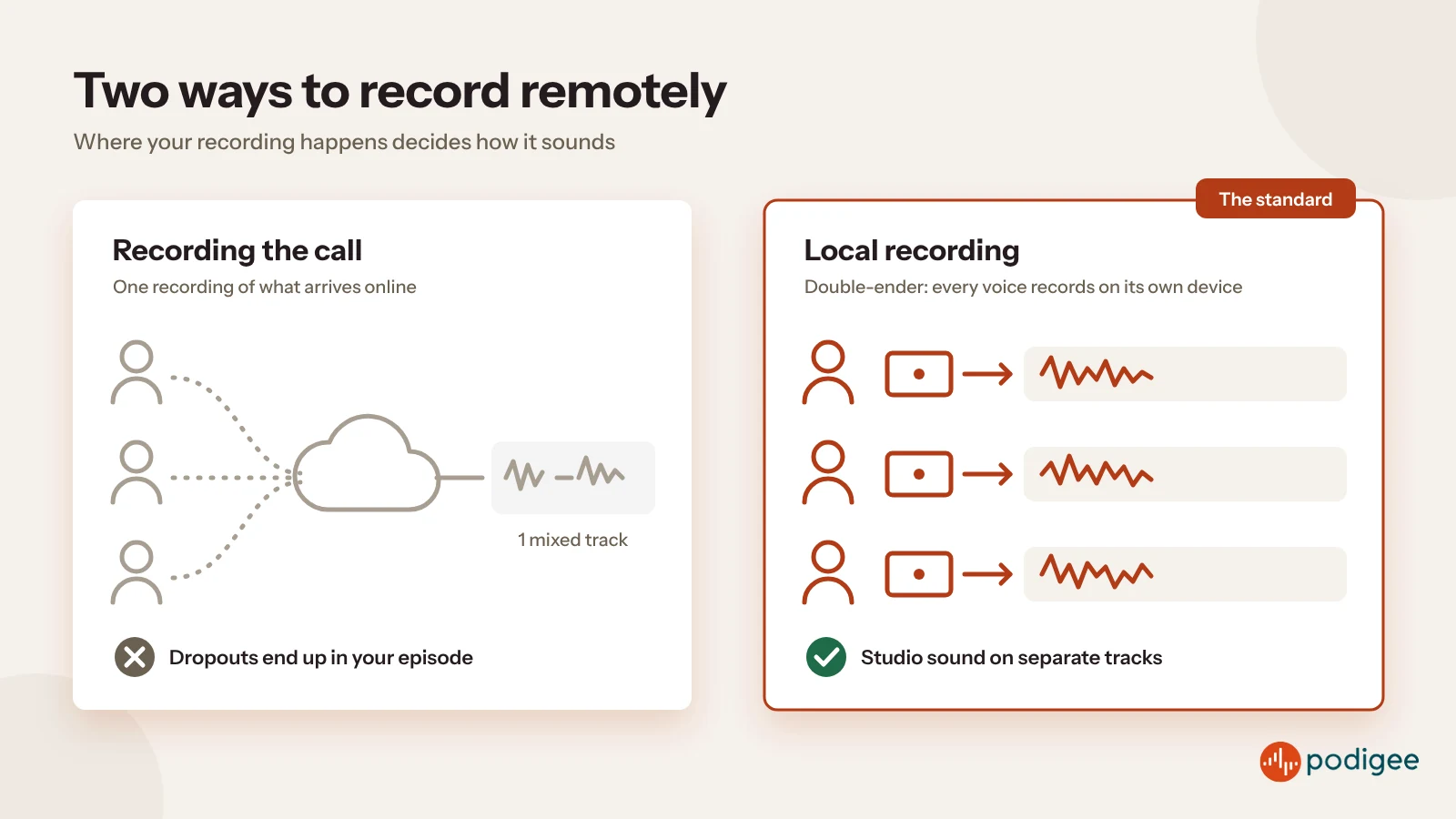
For online podcast recording that sounds like a studio, local recording is the standard. Recording the connection is fine for a quick chat that doesn't have to sound perfect.
What Is a Double-Ender in Podcasting?
A double-ender is a recording in which every participant captures their own audio track with their own microphone, locally on their device. You hear each other over the internet, but each voice is saved directly on the device in full quality. If the connection stutters, you'll notice it during the conversation, but not in the finished episode.
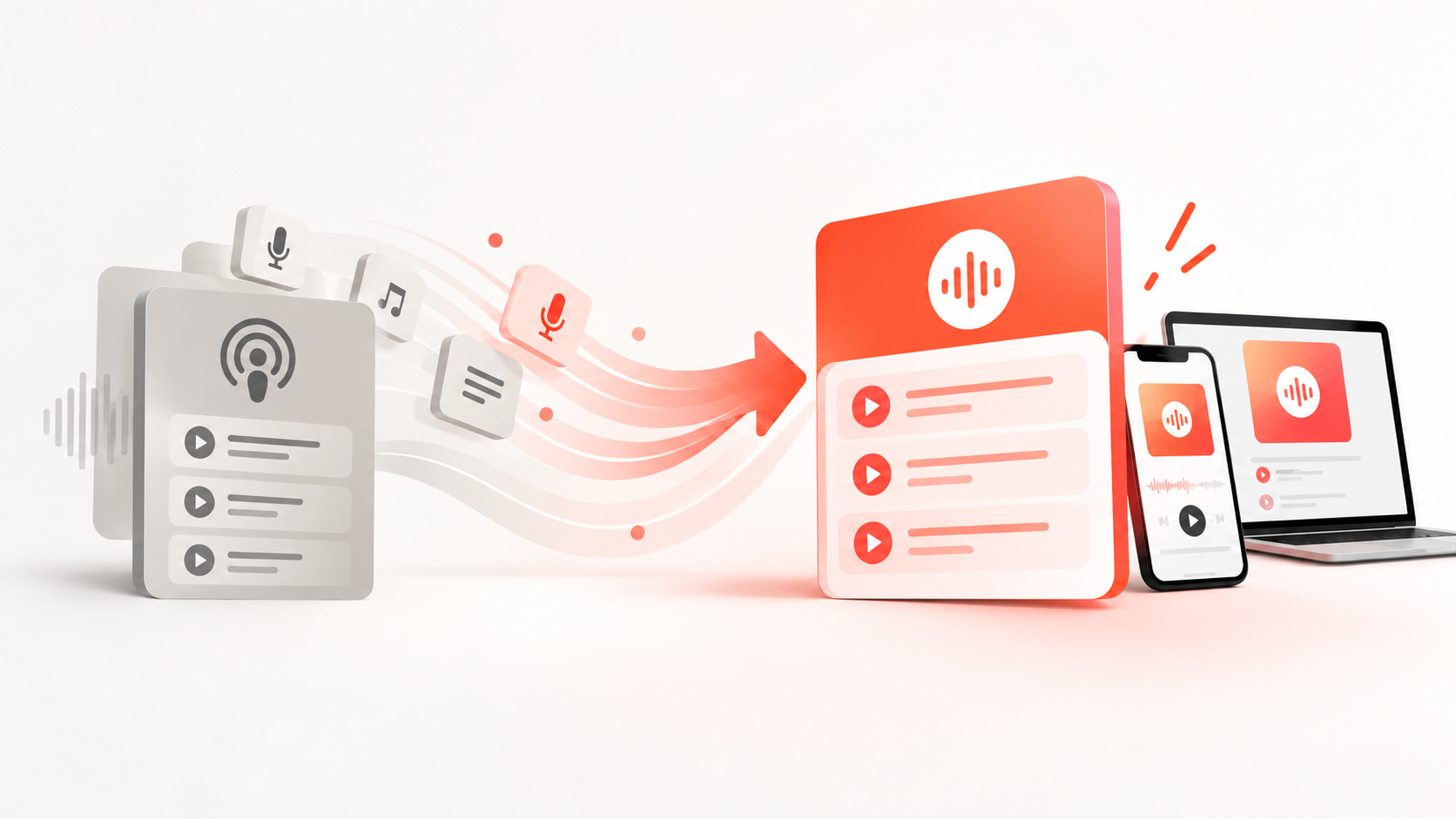
A double-ender used to mean manual work: every person started their own recording app and sent you the file afterward. Today, browser-based remote podcast recording software handles this step for you. It records locally, uploads the tracks automatically, and has them ready for editing.
Multitrack Podcast Recording: Why Separate Tracks Matter
Multitrack podcast recording, meaning a recording with a separate track for every voice, has clear advantages when you edit:
You can adjust the volume of each voice individually.
You can remove one person's coughing, typing, or background noise without affecting anyone else.
When two people talk over each other, you can cleanly separate their tracks.
You can apply audio effects such as noise reduction to a single track only.
If you want to know how to record a podcast with two hosts remotely, or with several people in different locations, separate tracks are the single biggest lever for quality.
Record a Podcast Online With the Podigee Recording Studio
With the Podigee Recording Studio, you record right in your browser, and nobody has to install an app. Up to eight people can join one session, and a session can last up to four hours. Every person is recorded on their own device, every voice gets its own track, and the tracks upload while you're still talking. If an upload breaks off, it picks up where it stopped.
When the cameras are on, Podigee automatically combines the video tracks into one video. After the conversation, Podigee aligns the tracks and levels their volume. In the editor, you can trim, mute or solo tracks, and download the individual tracks as well as the finished mix. The biggest advantage: your recording goes straight to your episode hosting, with no export or import in between. The Recording Studio is included from the GROW plan, see Podigee pricing.
What About Zoom, Teams, or Other Video Conferencing Tools?
Video conferencing tools are convenient because almost everyone already knows them. For a podcast, though, they're only a stopgap: they optimize audio for meetings, not for a recording in the best possible quality. If you use one anyway, have every person also record locally so you have clean individual tracks as a backup.
The Best Way to Record a Podcast Remotely Without Losing Quality
The best tool won't help much if the conditions on each end aren't right. These points make the biggest difference:
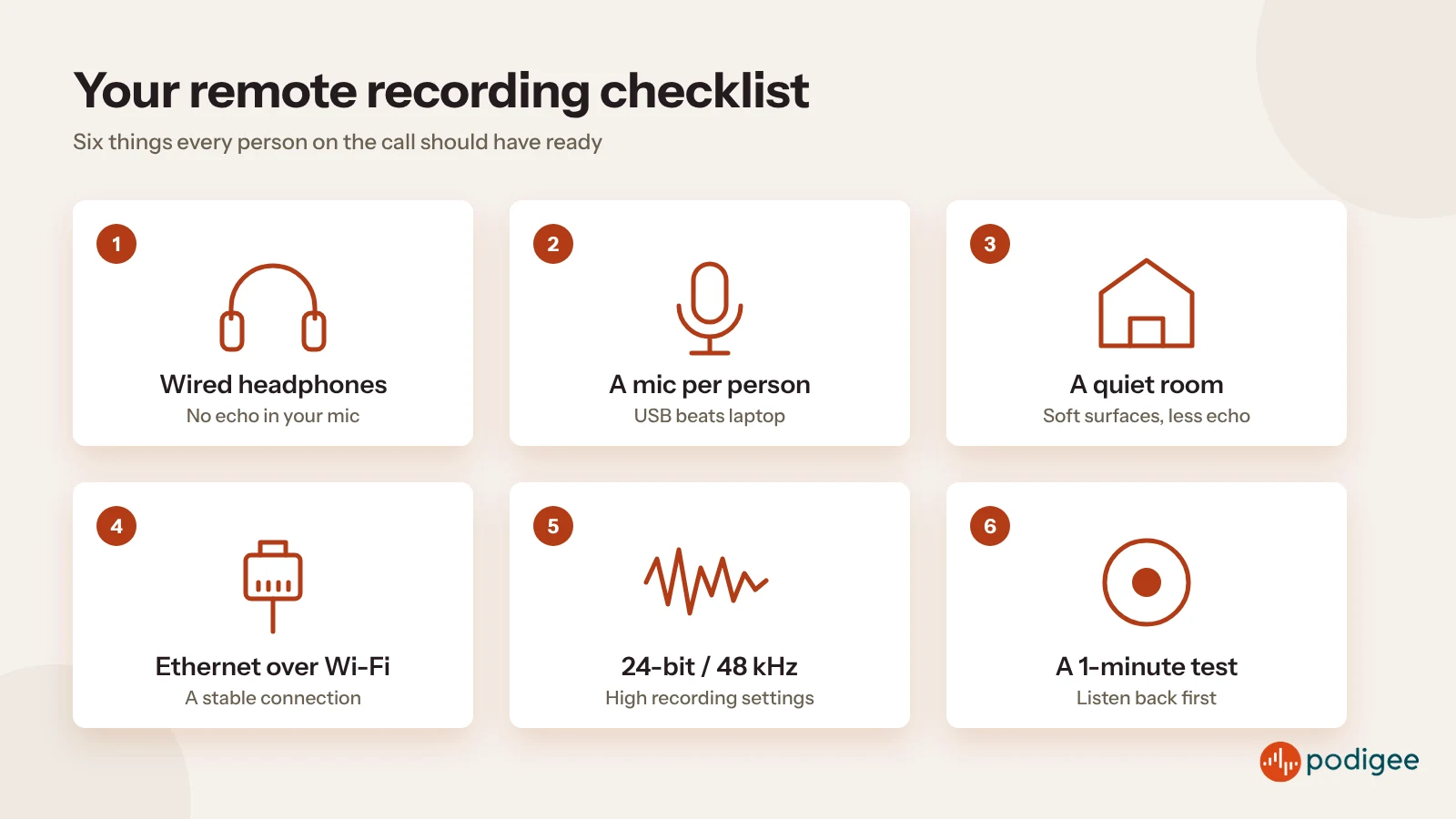
Headphones for everyone: Without headphones, the other voices come out of the speakers and into your microphone. Wired headphones are the safest choice.
A dedicated microphone for each person: A simple USB microphone sounds noticeably better than a built-in laptop mic. Find out which gear is worth it in our guide to podcast equipment.
A quiet, treated room: Rugs, curtains, and bookshelves absorb echo. Empty rooms with bare walls quickly sound like a bathroom. More tips: setting up a simple podcast recording studio.
A stable internet connection: An Ethernet cable is more reliable than Wi-Fi. Close any apps that download data in the background.
High recording settings: RØDE recommends having remote guests record at 24-bit and 48 kHz.
A test recording: Record one minute before the actual conversation and listen back.
How to Record a Podcast Remotely With Guests: Invite and Prepare Them
Your guests aren't sound engineers. A short briefing in advance saves both of you a lot of stress:
Send the invitation link in good time and mention the recommended browser.
Ask guests to use headphones and, if they have one, an external microphone.
Recommend a quiet room and turning off notifications.
Plan five minutes for a tech check before you start.
Briefly explain the flow of the conversation and the topics you want to cover.
How to Record a Podcast Remotely for Free
Yes, you can record a podcast online for free. With free options, check three things: whether you get separate tracks, how many guests are allowed, and whether there are time limits or watermarks. For a regular podcast, a tool that combines recording and publishing usually pays off, because you skip the detour through downloads and uploads.
From Remote Recording to Finished Episode
After the recording, it's time to edit and publish. With Podigee, everything stays in one place: you record in the Recording Studio, edit the tracks, and turn them straight into an episode that goes out to all major platforms via Podigee podcast hosting. For more programs that help with editing and production, check out our overview of podcast software and tools.
Want to record your next podcast remotely and publish it right away? Sign up for free with Podigee and get started.
Conclusion: Remote Podcast Recording in Studio Quality
Recording a podcast remotely no longer has to sound like a phone call. With a double-ender, separate tracks, and a little preparation on your end and your guests' end, a remote recording sounds almost like a studio session. If you want recording and publishing in one place, try Podigee and sign up for free.
FAQ: How to Record a Podcast Remotely
- How do I record a podcast remotely with guests?
The easiest way to record a podcast remotely with guests is a browser tool that records every person locally. You send your guests an invitation link, you talk over the internet, and every voice ends up on its own track. The Podigee Recording Studio works this way, for example.
- Can I record a podcast online for free?
Yes, you can record a podcast online for free. Free options are often limited, though, for example when it comes to separate tracks, the number of guests, or recording hours per month.
- What is a double-ender in podcasting?
A double-ender in podcasting is a recording in which every person captures their voice locally on their own device. The internet connection is only used for the conversation, so dropouts don't affect the recording quality.
- What is the best way to record a podcast remotely without losing quality?
The best way to record a podcast remotely without losing quality is to have every person record locally, use their own microphone and headphones, and sit in a quiet room. A short test recording before the conversation shows you whether everything works.
- What is the best remote podcast recording software?
The best remote podcast recording software records every person locally and gives you separate tracks, like the Podigee Recording Studio. Video conferencing tools like Zoom work, but they're more of a temporary solution.
- Do my podcast guests need special software?
Your podcast guests don't need special software with browser tools. In the Podigee Recording Studio, they join directly in the browser through the invitation. Only desktop recording apps require an installation.