Who Owns a Podcast an Agency Made, and How Does It Change Hands?
The contract says who owns a podcast an agency made. Control sits with whoever can change the RSS feed. What has to change hands: the hosting account, directory and YouTube access, the domain, recordings, rights, and statistics, with the order to do it in.
Reading progress
In this article
In this article
Who owns a podcast that an agency made depends on the contract and the copyright law that applies to it. Control is easier to check: whoever can change the RSS feed, the file at a fixed web address that apps read for new episodes, can move the show and its followers. Inside one hosting provider, a show changes hands by account transfer, where offered; between two providers, it takes an import and a 301 redirect, a permanent forward from the old feed address to the new one. Apple Podcasts, Spotify, and YouTube access is handed over on each platform, and a written agreement covers the rights in the show.
Say a company takes its show in-house and asks the agency for the login. The agency, being helpful, asks which one.
What does it mean to own a podcast?
Owning a podcast means holding the rights to its name, artwork, music, and episodes. Your contract should spell out who owns them, and laws differ by country. Under US law, US Copyright Office Circular 30 (checked November 2026) notes that a commissioned work only counts as "made for hire" if it fits specific statutory categories and all parties sign a written agreement saying so. Ask a lawyer how your contract and local law handle rights and assignment.
You can hold every right in a show while the password sits with an editor who left in March.
Which logins and files does a podcast need?
Start with the hosting account login, because that's where the feed is. If you can't get in, you can't publish an episode or set a redirect, so find out who signed up for it before you ask for anything else.
Whoever submitted or claimed the show on Apple Podcasts and Spotify usually holds those accounts, since claiming is how you prove to a platform that you control the RSS feed. Without them, you lose the listing and the platform's statistics. On YouTube, the channel is usually tied to the Google account that created it: delete that account, and the channel goes with it. Because statistics are spread across your hosting and platform accounts, get them exported if any of those accounts stay behind, or your next report will have no history in it.
Some of what you need nobody thinks of as a login. Recordings and project files tend to stay with the editor or studio. You don't miss them until you want a trailer, a re-edit, or a translation, so ask for a shared archive with a file index while you're still working together. The domain is easy to forget, too, and whoever registered it holds the show's website and links until it's moved at the registrar.
Rights depend on the contract and the country's law; put the handover in a written agreement so you don't lose the use of the show's name, artwork, and music.
Why does the RSS feed matter more than the other logins?
Followers follow the feed, so the feed address moves the audience. Apple's page on changing providers, as of November 2026, says a redirect set at the old provider migrates all followers to the new feed, including those outside Apple Podcasts.
The feed also proves that you control the show. As of November 2026, Spotify and YouTube email a verification code to the address inside the feed, and Apple checks for a short verification token placed in the feed. If you already control Apple Podcasts Connect or Spotify for Creators, you can enter a new feed address there even when the old account is out of reach. Without a 301 redirect at the old provider, though, listeners in every other app can stay stuck on the old feed.
What happens to followers, reviews, and statistics when a show changes hands?
Followers stay with a podcast when its feed address stays the same, or when the old address redirects to the new one and the listings stay intact. After a switch of providers, Apple's migration guide (as of November 2026) says downloaded episodes, follow status, and play state should carry over. Apple's self-hosted feed guide says to keep a redirect for at least four weeks.
Ratings and reviews on Apple Podcasts appear on the show page, so keeping the same listing is how you keep them, though Apple's feed-migration pages don't say so (November 2026). Never submit the new feed as a second show, or a duplicate listing with zero reviews can split your audience.
Download statistics usually stay in the old hosting account when you switch providers; platform analytics stay in Apple Podcasts Connect and Spotify for Creators. Export your hosting history before access ends.
Should the agency or the client own the hosting account?
My view is that the hosting account belongs to whoever will still be there when the project ends: usually the company for its own show, the agency for a format it invented.
Agencies have good reasons to hold the hosting account: one login for ten client shows, no waiting for a client's IT department at seven in the morning. Clients have good reasons, too: a branded podcast can outlive the agency contract.
If the agency holds it, agree on the exit when the contract is signed. At that point, nobody is annoyed with anybody.
The client takes the show in-house. Its episodes and statistics go with it.
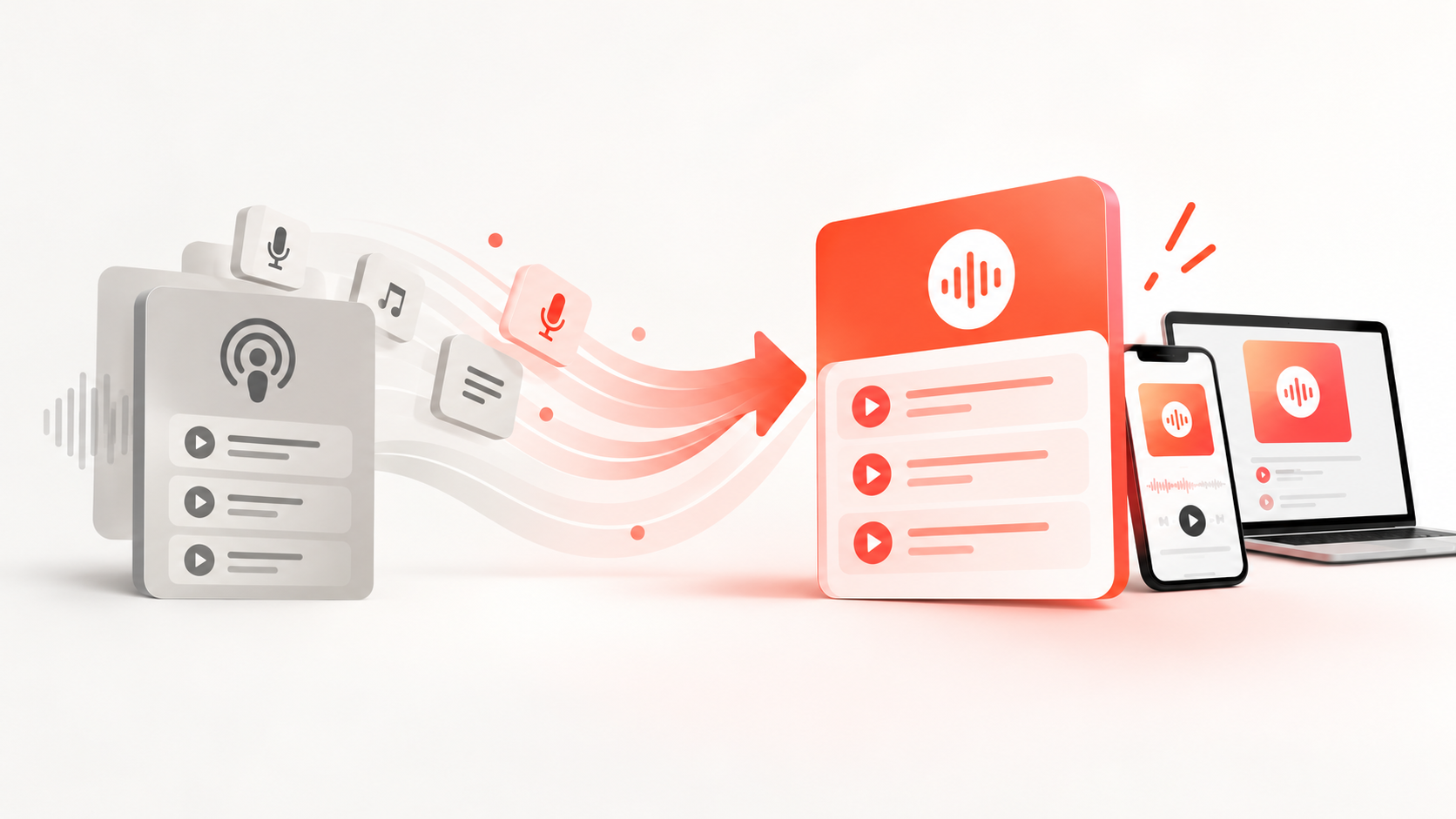
One request moves a show to another Podigee account with its episodes, statistics, RSS feed address, and private listeners. Nothing changes until the new owner accepts.
How do you give an agency or freelancer access without giving away the show?
Give every person their own login and role, and keep the owner or admin seat with the show's owner. In your hosting account, use per-show roles if it has them. As of November 2026, an Apple Podcasts Connect admin can limit a user to specific shows. In a Spotify for Creators account with multiple shows, permissions apply to every show in the account, so a freelancer sees every show you have there, and an agency with several clients in one account exposes them to each other. On YouTube, a Manager can add and remove other users, so for an agency that only publishes, I'd assign the Editor role: uploads and edits, but no permissions and no channel deletion.
How do you hand over a podcast, step by step?
Start with the handovers that have waiting periods, and remove old access last. The platform rules below are current as of November 2026.
List who holds each login and file, and pick a date between releases.
Start YouTube more than a week ahead if the channel itself is changing owners. Check that the channel is linked to a Brand Account; if it isn't, convert it first. If it uses channel permissions, opt out, as YouTube advises for transfers. Add the new person as an owner; they can't become primary owner until seven days after accepting, which is why starting on Thursday for a Friday handover won't work. Keep the old owner's Google account until then, or the channel goes too.
Copy recordings, artwork, and licenses, export the statistics, and sign the rights agreement.
Transfer the show inside the same provider, or import it into the new one. Check that the imported feed matches the old one, especially each episode's unique identifier (GUID), because changing GUIDs can create duplicates on Apple Podcasts. Once the feed is right and live, turn on the 301 redirect at the old provider, without submitting the show again.
Put the new owner's email in the feed for the verification codes.
Move the directory listings next. Because Spotify allows only one claim per show using an eight-digit code, the new owner can't claim it if the agency already did; the current admin has to invite them, with the admin role if they need to manage the team. At Apple, the new owner claims the show with a token that's valid for seven days and checked within 24 hours. A show in a channel, with a subscription, or with Apple-hosted audio has to be moved by Apple.
Publish one episode and check every platform. If YouTube reads your feed, check the address there.
Remove old access. Keep the redirect running as long as the old provider allows, at least four weeks, and get in writing whether canceling the account turns that redirect off.
How does a show move between two Podigee accounts?
Podigee is the publishing platform for audio and video podcasts. A show moves between two accounts with one transfer request. The agency enters the client's email, and the client has 14 days to accept. Nothing changes before that, and acceptance is final. A client without an account signs up from the email, starting on LAUNCH; the review page shows whether the plan has room.
When the client accepts, the show moves: episodes, statistics, feed address, website, custom domain, and private listeners, and deliveries to Spotify, Apple Podcasts, Amazon Music, and Deezer keep running. The feed's contact email becomes the new owner's too, so claim codes reach the right inbox. The previous team loses access. You still hand over agency-held Apple or Spotify accounts there, and the new owner reconnects YouTube, Facebook, X (Twitter), Steady, and any Apple Podcasts video set up with the old owner's credentials. For a show with an ad setup, our support team makes the move. Coming from another provider? On every current plan, including LAUNCH, you can import your episodes, audio, and cover art, set the redirect there, and we give you the steps and check it.
If nobody is leaving, use roles. Starting on the SCALE plan, you can invite someone by email to one show as an editor, who can publish, or a contributor, who prepares episodes. Billing stays with you. Agencies, studios, and marketing teams can set up a team account with us: an admin sees every show and sets each member's shows and permissions.
Podigee is for people who make shows other people count on.
What should you check in your podcast feed today?
Open your feed address in a browser (or a text editor) and search for the itunes:email tag, because verification codes go there. If it's missing or masked by the provider, find out who can set it in the hosting account. If it names the editor who left in March, change it now; the week you switch agencies or bring the show in-house is a bad time to find out. If it's right, you're done.
Mateusz "Mati" Sójka is the founder and CEO of Podigee, the publishing platform for audio and video podcasts.
The right people on each show.
Client shows, freelancers, sign-offs: tell us how many shows you run and who works on them, and we'll get back to you about your setup.
Frequently asked questions
- How do I take my podcast back from an agency?
Send the agency a written request with a target date and name who will receive each asset. Start with the YouTube channel, which takes at least seven days to change primary owners, then arrange an account transfer or a 301 redirect to your new feed. Follow with admin access at Apple Podcasts and Spotify, your domain, recordings, project files, and exported statistics.
- Can several client shows sit in one account with separate access?
Yes, where access is per show. Apple Podcasts Connect allows it, while Spotify for Creators permissions cover every show in an account, as of November 2026. Podigee allows it through per-show roles, starting on the SCALE plan, and team accounts.
- How long does a podcast handover take?
Apple, Spotify, and YouTube don't publish a full timeline that we could find, as of November 2026. YouTube requires a seven-day wait for a new primary owner, and Apple checks claims within 24 hours. Apple's self-hosted feed guide says to keep a 301 redirect for at least four weeks, and longer is safer.
- What is the podcast:locked tag, and can it stop a move?
The podcast:locked tag in an RSS feed tells other providers whether they may import the show. The Podcasting 2.0 namespace says that an import should be rejected when the value is "yes." It can block your own move too, until someone with access switches it off.
- What should a podcast production contract say about the handover?
A podcast production contract should name who holds each account during production, which rights pass to the client, and when that transfer happens. It should list the recordings and project files delivered, in what format, and spell out who keeps the hosting or 301 redirect running afterward and who pays.