How Should a Podcast Trailer Sound? Tips to Hook Your Audience Instantly
Your podcast trailer is your first shot at grabbing attention. Within seconds, people decide whether to listen, subscribe, or keep scrolling. Learn how to script a trailer that converts, and how to record, publish, and promote it with Podigee.

Reading progress
In this article
In this article
Key Facts: Podcast Trailer Basics
What it is: A podcast trailer is a short audio preview, usually between 30 and 90 seconds. It introduces your show, what it’s about, who it’s for, and what listeners can expect.
Why it matters: It helps turn casual listeners into subscribers, sets the tone for your show, and works as a powerful marketing asset for launch and beyond.
What makes it work: Keep it clear, personal, and tight. A strong hook, a clear topic, a listener benefit, and a call to action are key.
Recording and promotion: With the Podigee Recording Studio, you record your trailer right in your browser, even with a co-host or guests. The recording becomes an episode directly, and the Clipper turns it into short videos for social media.
What Is a Podcast Trailer and Why You Need One
Think of it like a movie trailer for your podcast. In under 90 seconds, people should understand what your show is about, who you are, and why they should care.
For many listeners, your trailer is the first thing they hear when they discover your show. A strong one can turn curiosity into a follow. It also works perfectly for sharing on social media or embedding on your website. With the Podigee Clipper, you turn your trailer into short videos in 9:16, 1:1, or 16:9 in just a few clicks, with a waveform and cover art for audio-only shows.
What a Great Podcast Trailer Sounds Like
Clear and direct
Don’t make people guess. Right from the start, answer the key questions: What is this about? Who is it for? A clear setup helps potential listeners decide quickly whether your show is relevant to them.
Authentic and human
Your voice is your brand. Let your personality come through, whether your show is funny, insightful, relaxed, or analytical. The better your trailer captures the tone of your show, the easier it is for listeners to imagine what an episode feels like.
Short and punchy
30 to 90 seconds is your sweet spot. No rambling, no long intros. Focus on the core idea and why it’s worth listening to.
3 Quick Tips for Creating Your Podcast Trailer
Write a script
A script keeps you focused and prevents rambling. It helps you sound clear and confident.Use music with intention
Music sets the mood and adds polish. Keep it subtle so your voice stays front and center.Nail your elevator pitch
Why should someone listen? If you can’t answer that clearly, your trailer won’t either.
Simple Podcast Trailer Structure That Works
You don’t need a long monologue. Stick to this:
Hook. A bold statement or question that grabs attention
Topic. “This podcast is about...”
Benefit. “You’ll learn...” or “You’ll discover...”
Call to action. “Follow now on Spotify, Apple Podcasts, or wherever you listen”
Podcast trailer script example
“Want to know what makes a podcast successful?
We’re Max and Marie, and on Podcast Insights we talk with podcasters, producers, and experts about ideas, gear, and marketing. You’ll get practical tips, honest insights, and inspiration for your own show.
Follow Podcast Insights now so you never miss an episode.”
Need help with the wording? The free Podigee Podcast Launch Kit turns your podcast idea into a starter package that includes a trailer script, first episode drafts, and a launch checklist.
How to Record, Publish, and Promote Your Trailer with Podigee
Script ready? Time to make it happen. With Podigee, the open podcast platform, you handle every step in one place: from recording to publishing to social clips. No exporting, no re-uploading, no jumping between tools.
Record your trailer in the Podigee Recording Studio
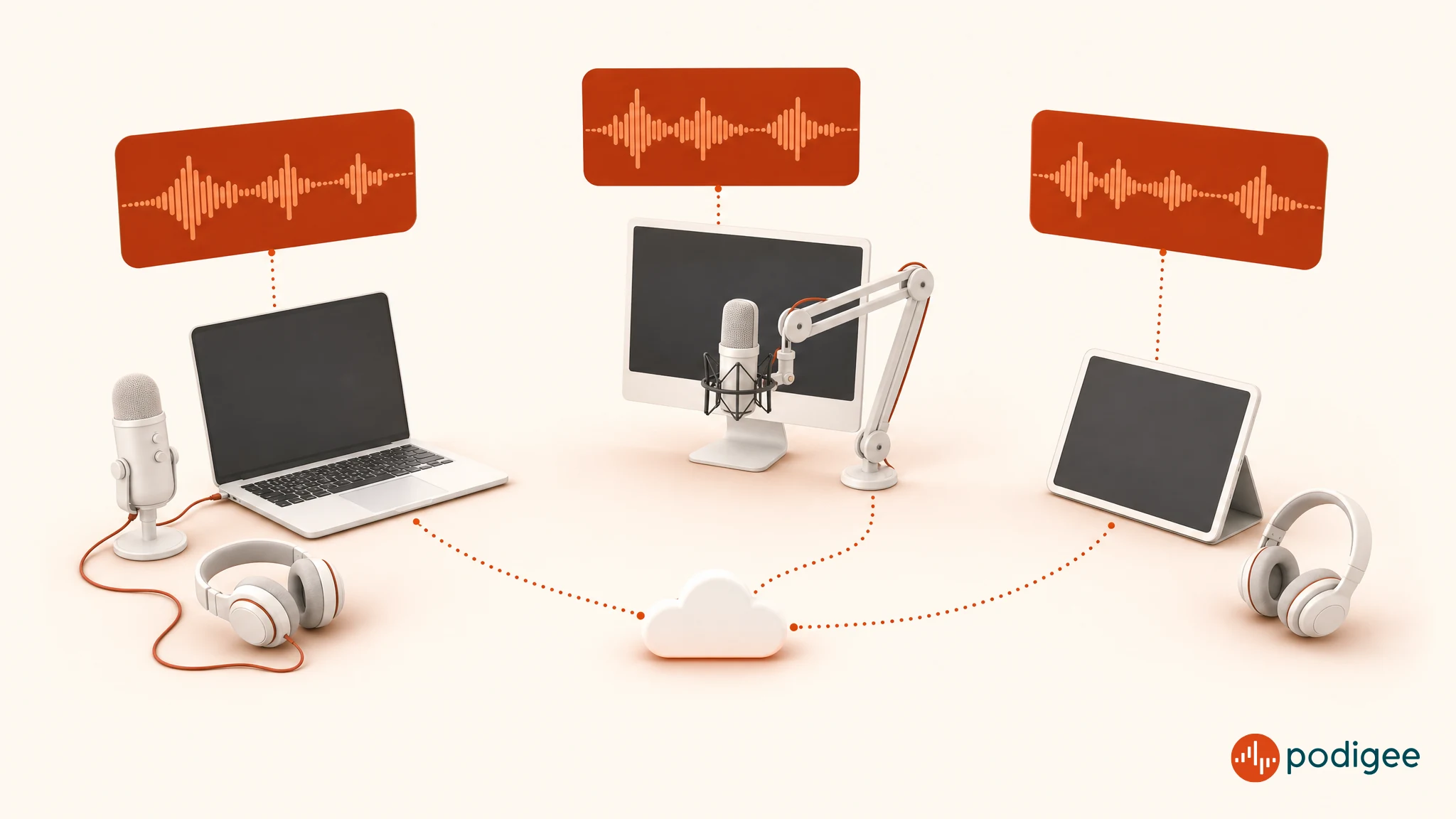
With the Podigee Recording Studio, you record your trailer right in your browser, solo or with a co-host and guests. Your guests don’t need any extra software; they simply join via link or email invite. Up to 8 people can record in one session for up to 4 hours, audio only or with video.
Full quality for every voice: Each track is recorded locally in full quality as a double-ender and uploaded continuously. Every voice gets its own track.
Less editing: Podigee aligns the tracks automatically and levels the volume. In the editor, you trim your trailer to the ideal length, mute or solo tracks, and fine-tune the alignment.
Straight to an episode: Your finished recording becomes an episode in your podcast, with no export or re-upload. You can still download individual tracks, for example to add music in your editing software.
Video included: With cameras on, Podigee automatically combines everyone into one video after the recording. That gives you a video trailer for YouTube and Spotify right away.
The Recording Studio is included starting with the GROW plan at €29/month. See how to record your podcast with the Podigee Recording Studio
Publish your trailer as the first episode and schedule your launch
Publish your trailer as the first episode in your feed. With scheduled publishing, you decide in advance when it goes live, for example a few days before your first full episode. Through your RSS feed, the trailer shows up on Spotify, Apple Podcasts, Amazon Music, iHeartRadio, Pandora, and many more platforms. Learn more about podcast hosting and distribution to 15+ platforms with Podigee.
Recorded your trailer with video? Starting with the STARTER plan, you send it to YouTube, Spotify, and Apple Podcasts with a single upload. Even for an audio-only trailer, Podigee automatically creates a video with your cover art for YouTube. Learn how to distribute video podcasts with Podigee
Create short social videos with the Clipper
Your trailer is perfect material for teasers on Instagram, TikTok, LinkedIn, or YouTube Shorts. The Podigee Clipper suggests up to five strong moments from an episode and tells you why they work. You export clips as MP4 in portrait 9:16, square 1:1, or landscape 16:9. Audio episodes become a video with cover art, title, and an animated waveform. Use the same workflow to promote every episode that follows. Create clips and social content with the Podigee Clipper
Embed your trailer on your website
Use the Podigee web player to embed your trailer on your website, landing page, or blog. It also appears on your Podigee podcast website, which you can run on your own domain. Explore the Podigee podcast website and web player
FAQ: Podcast Trailer
- What is a podcast trailer?
A podcast trailer is a short audio intro between 30 and 90 seconds that explains your show and hooks new listeners.
- How do I create a podcast trailer?
To create a podcast trailer, you write a short script, record your message, add music if needed, and edit it into a clean, concise clip of 30 to 90 seconds. You can record it right in your browser with the Podigee Recording Studio, even with a co-host or guests.
- How long should a podcast trailer be?
An ideal length for a podcast trailer is between 30 and 90 seconds.
- Do I really need a podcast trailer?
A podcast trailer is not mandatory, but highly recommended, especially for new launches.
- What is the difference between a podcast trailer and a teaser?
A podcast trailer introduces your whole show, while a podcast teaser promotes a specific episode or season.
- What’s the ideal podcast trailer structure?
The ideal structure for your podcast trailer is hook, topic, benefit, and call to action. Start with a hook to grab attention, then explain the topic and who it’s for. Highlight the value for the listener and end with a clear call to action. This simple structure keeps your message focused and engaging.
- Where should I publish my podcast trailer?
Publish your trailer as the first episode in your podcast feed so it appears on Spotify, Apple Podcasts, and other platforms. On top of that, a video version for YouTube, short clips for Instagram, TikTok, or LinkedIn, and an embedded player on your website help more people find it.
- What can I use to record a podcast trailer?
The easiest way is to record your podcast trailer in your browser with the Podigee Recording Studio, included starting with the GROW plan. Guests join via link, and the recording becomes an episode directly. Alternatively, upload a WAV, FLAC, or MP3 file from the recording software you already use.